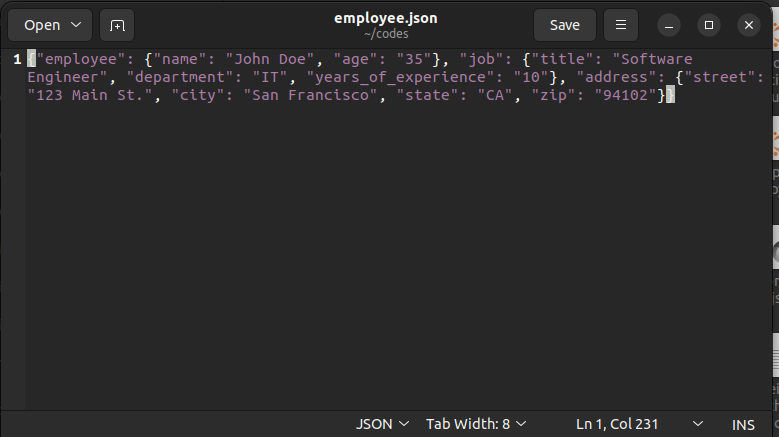
Python Tutorial for Beginners: Working with JSON Data
Introduction to JSON Data
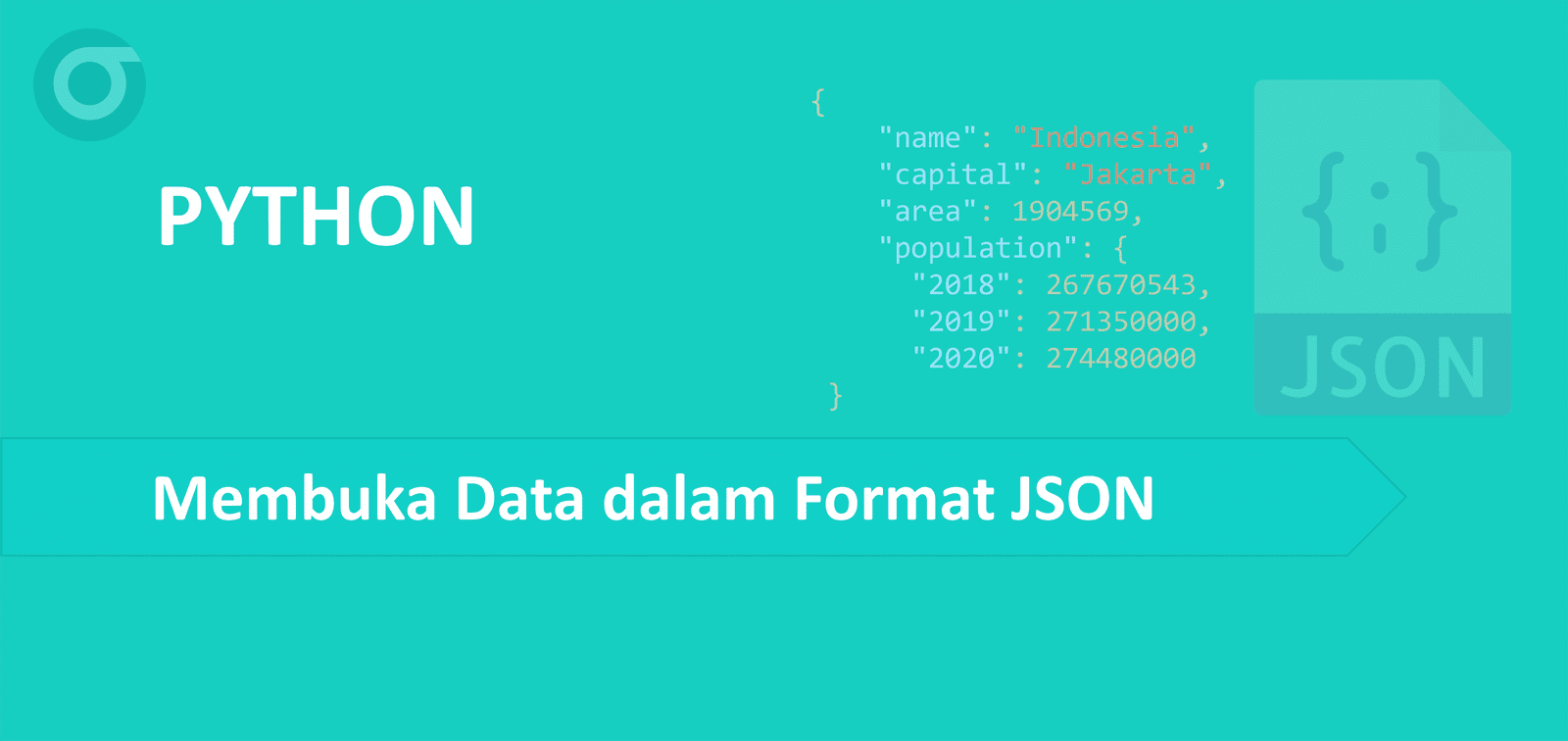
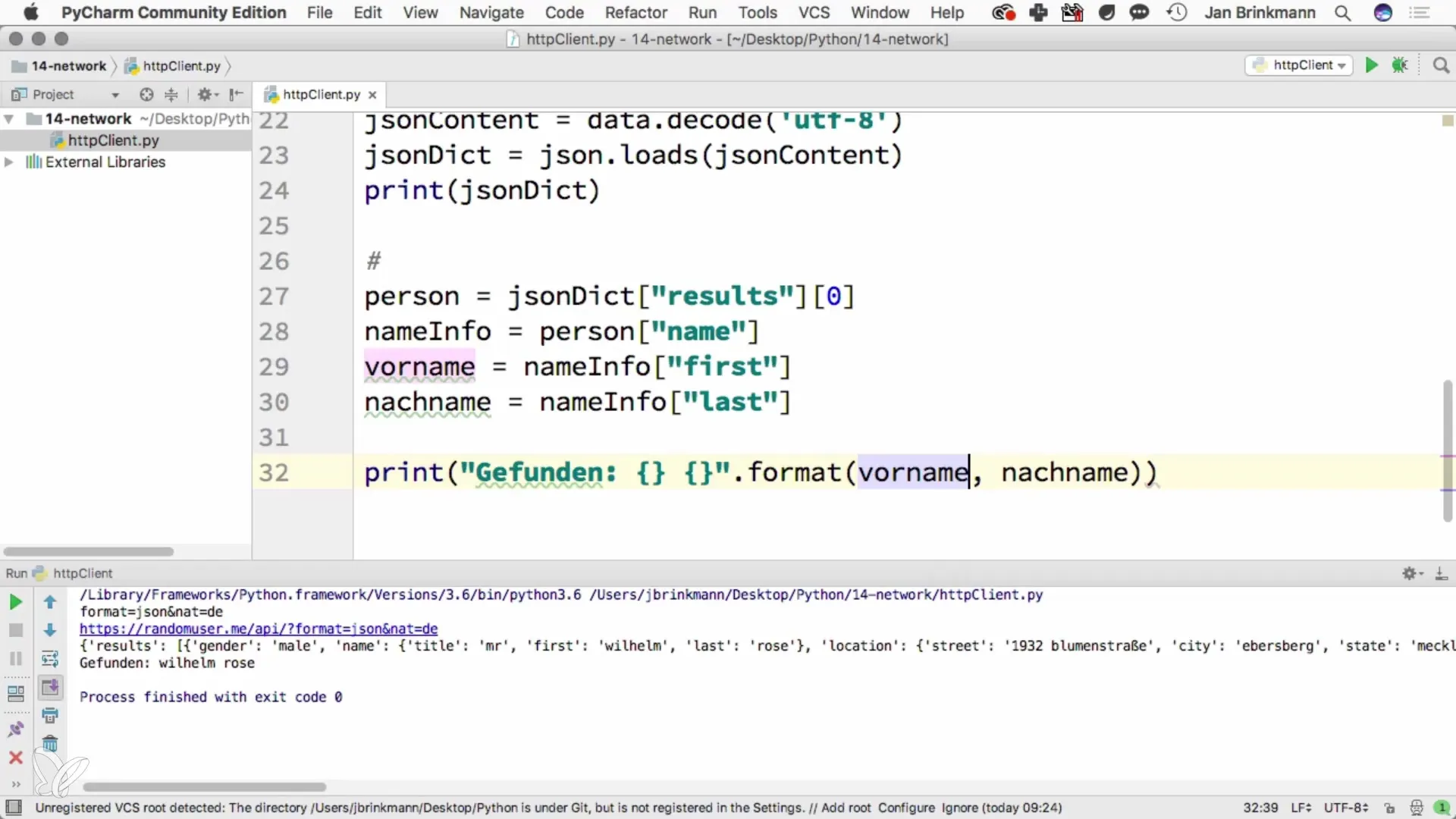
JSON, or JavaScript Object Notation, is a lightweight, human-readable data interchange format that is widely used to store and transfer data between a server and a web application. As a beginner, understanding JSON and how to work with it in Python is essential for working with various APIs and storage mediums.
JSON Module in Python
The JSON module in Python comes with the Python Standard Library and is used to handle JSON data. The JSON module provides three main types of functions: loads(), dumps(), and loads(), which can be used to convert JSON strings into Python objects and vice versa.
Converting JSON to Python Dictionaries
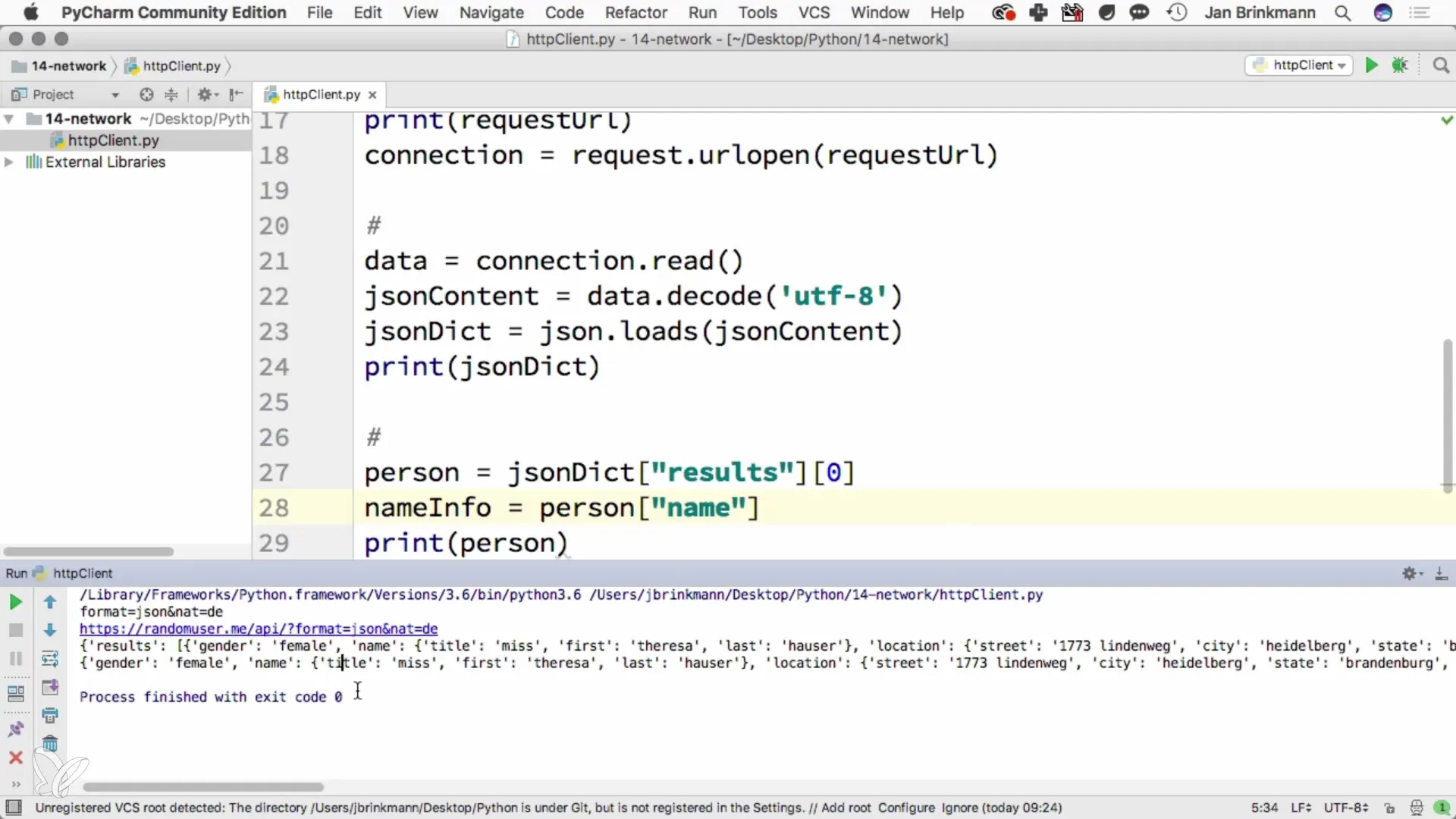
The loads() function from the JSON module is crucial for developers working with APIs and data interchange formats. This function takes a JSON string and returns a Python dictionary. For example, let's say we have a JSON string:
{"name": "John", "age": 30}
d = json.loads('{"name": "John", "age": 30}')
Writing JSON Data
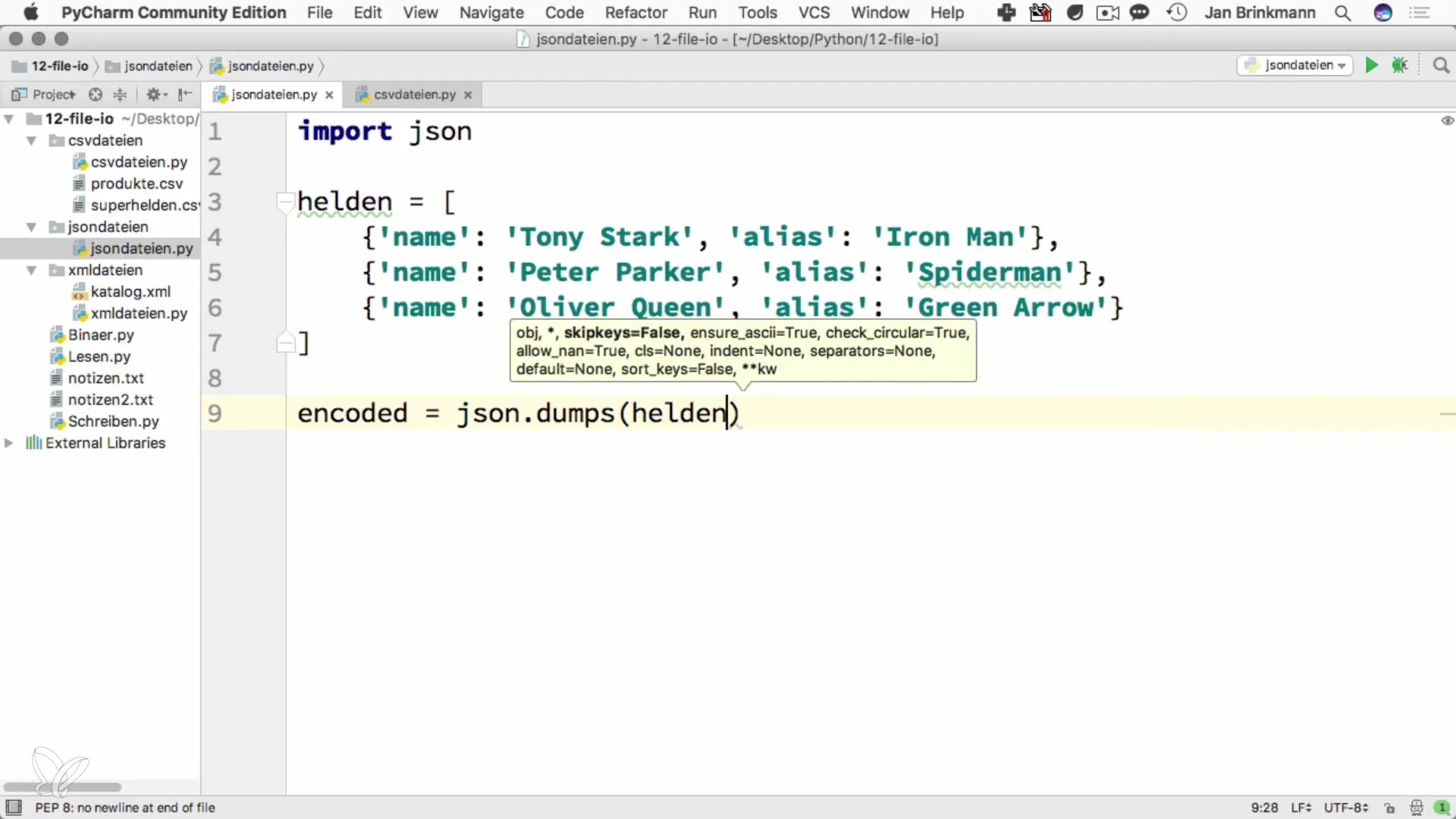
The dumps() function from the JSON module is used to convert a Python object into a JSON string. For example, let's say we have a Python dictionary:
d = {"name": "John", "age": 30} We can use the dumps() function to convert it into a JSON string: j = json.dumps({'name': 'John', 'age': 30})
Reading JSON Data
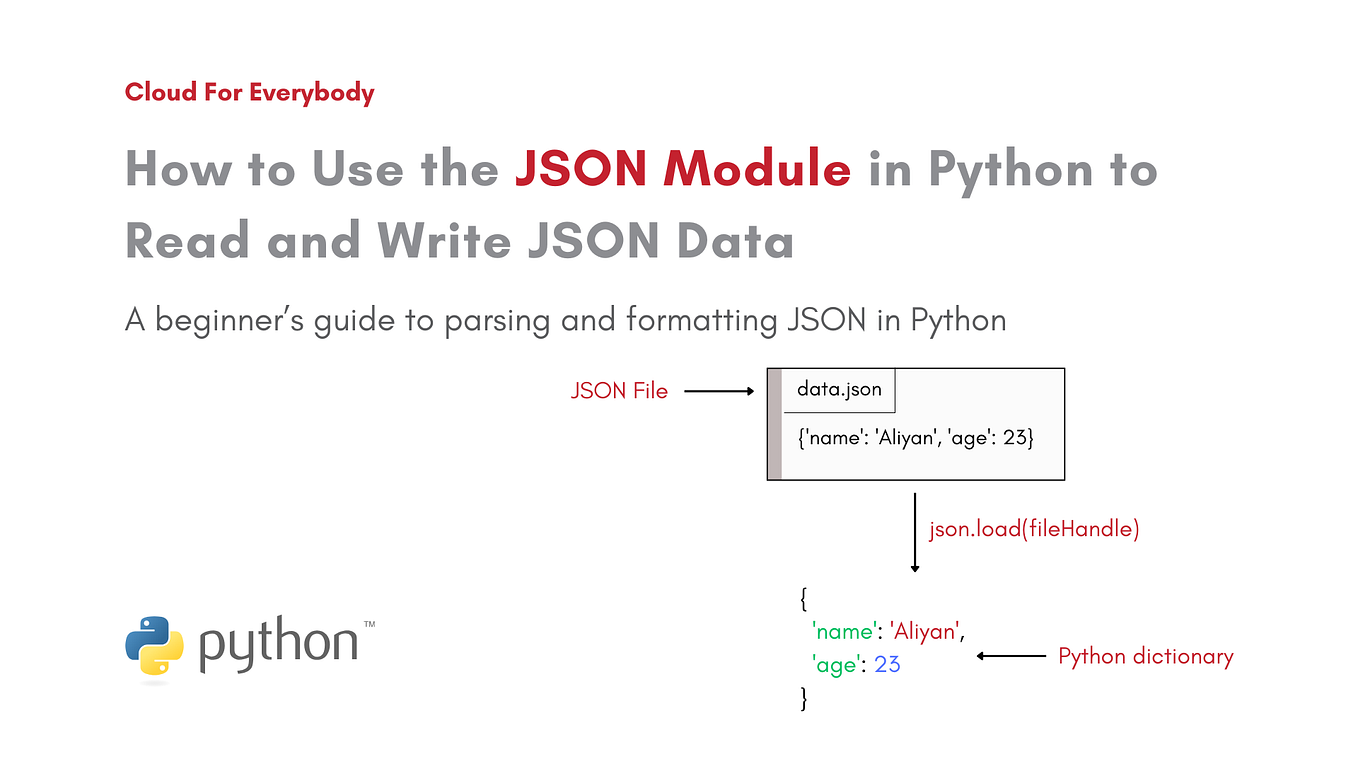
The load() function from the JSON module is used to load a JSON file and return a Python object. This function can be useful for reading JSON data from a file and using it in your Python program. For example, let's say we have a JSON file named "data.json":
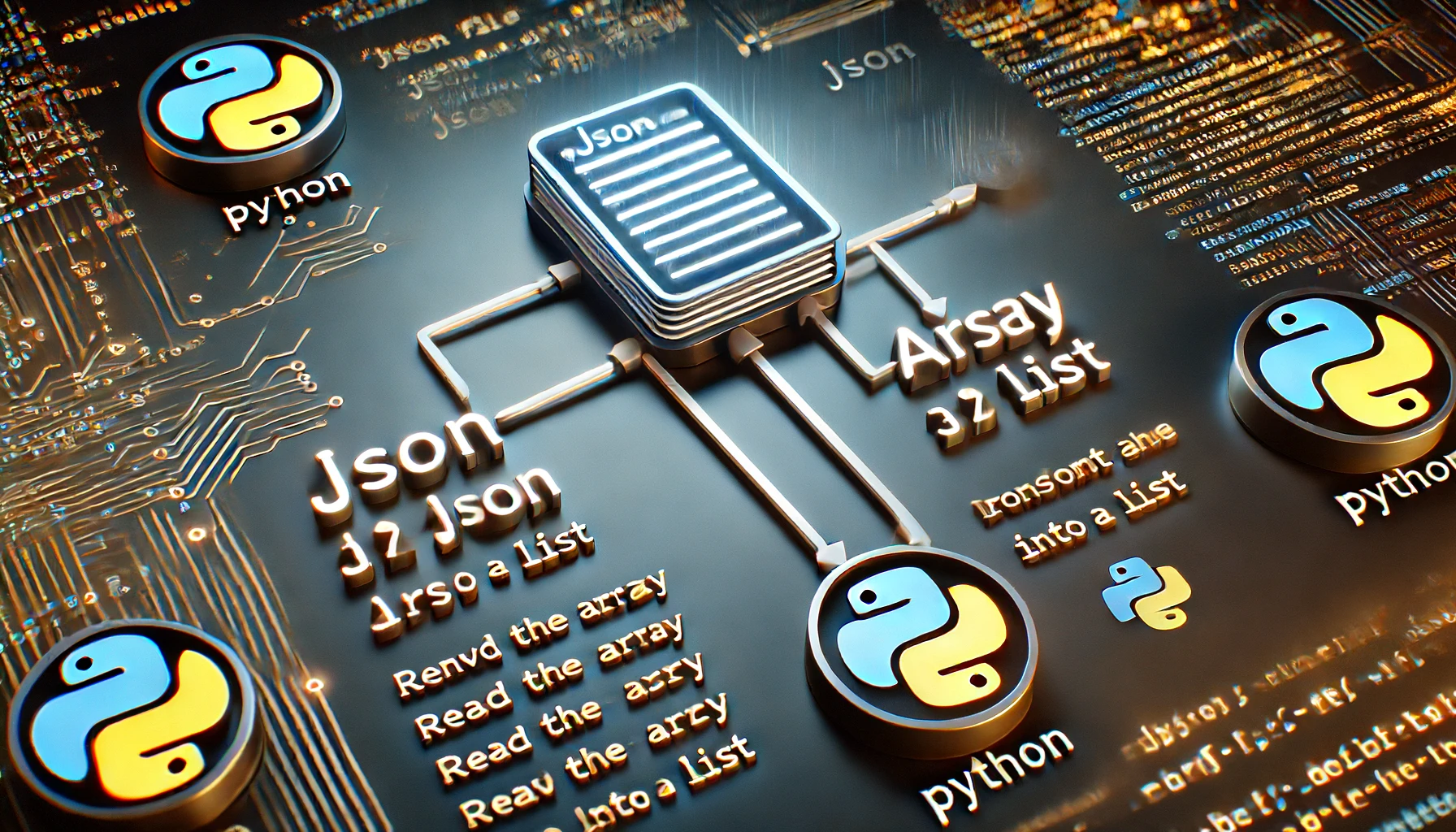
{"name": "John", "age": 30} We can use the load() function to load the JSON data: j = json.load(open('data.json'))
JSON in Python: Manipulating and Validating
The JSON module in Python provides a simple way to manipulate and validate JSON data. You can use the JSON module to serialize and deserialize JSON data, validate it against a schema, and even create JSON Schema objects. By using the JSON module, you can write robust and efficient code for handling JSON data.
Conclusion
In this tutorial, we've covered the basics of working with JSON data in Python. We've discussed how to convert JSON strings to Python objects, write JSON data, and read JSON data from a file. By mastering the JSON module in Python, you'll be able to handle JSON data efficiently and effectively in a variety of applications. Whether you're working with APIs or storing data, the JSON module provides a powerful set of tools to help you get the job done.








![Python Exercises, Practice, Challenges [385+ Exercises] - PYnative - Python Tutorial For Beginners Json Data](https://learncodingusa.com/wp-content/uploads/2023/09/Working-with-JSON-Data-in-Python-A-Quick-Guide-1.jpeg "Python Exercises, Practice, Challenges [385+ Exercises] - PYnative")